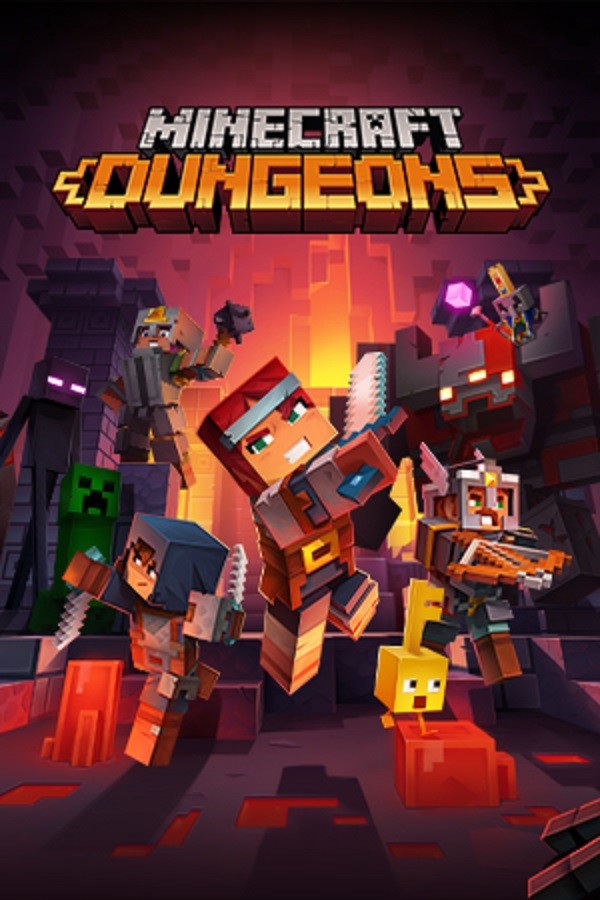
Minecraft
Minecraft is a standout survival title that has earned its place in many players' libraries. The game focuses on resource gathering, base building, and long-term progression, delivering an experience that rewards both skill and patience. It offers a deep and engaging gameplay loop that keeps players coming back for more.
The survival loop is addictive once it clicks. Gathering resources, building shelter, and gradually expanding your foothold in a hostile world creates a natural progression that feels earned. Each session teaches you something new about the game's systems, and the emergent gameplay keeps things fresh.
The Rival Gaming trainer offers 16 cheats for Minecraft, covering categories like economy, items, movement. Whether you are looking to experiment with Infinite XP, [RG] Instant Build, [RG] Item Duplicator or just want a more relaxed experience on a second playthrough, the trainer gives you the tools to play the game your way.
Secure Shelter Early
Your first priority in any survival game is getting a roof over your head. Even a crude shelter prevents exposure deaths and gives you a respawn point near your gear.
Learn the Crafting Tree
Understanding what materials lead to what recipes prevents wasting time gathering things you do not need yet. Focus your early efforts on tools and storage.
Food and Water First
Combat gear is useless if you starve. Establish a reliable food and water source before investing in weapons or advanced structures.
Location Matters
Build near resources but not directly on spawn points for hostile creatures. Proximity to water, ore deposits, and fertile ground should drive your base placement decisions.
Backup Your Gear
Keep spare tools and basic equipment in a chest at home base. Dying with your only pickaxe deep in a cave is a setback you do not need.
Tame or Farm Early
If the game allows it, domesticating animals or starting a farm provides sustainable resources that free you from constant foraging.
Getting Started with the Minecraft Trainer
Survival game trainers are great for skipping the early grind on subsequent playthroughs or when you want to focus on building and exploration without the constant pressure of hunger and thirst meters. Resource multiplier cheats let you build ambitious projects without spending days on material farming.
Available Cheat Categories
The trainer includes 16 cheats organised across the following categories:
- Economy -- 1 cheats including Infinite XP
- Items -- 4 cheats including [RG] Instant Build, [RG] Item Duplicator, Infinite Items
- Movement -- 3 cheats including [RG] Teleport to Waypoint, Creative Flight, Super Speed
- Player -- 5 cheats including [RG] No Hunger or Thirst, Infinite Breath, Infinite Health
- World -- 3 cheats including [RG] Time of Day Control, [RG] Weather Control, Instant Mine
Free vs Pro Cheats
4 cheats are available in the free version of the trainer, including Infinite Items, Infinite Breath, Infinite Health, Infinite Hunger. The Pro tier unlocks an additional 7 cheats such as Infinite XP, [RG] Instant Build, Super Speed, which give you more advanced control over the game.
Recommended Hotkey Setup
The trainer assigns default hotkeys to each cheat for quick toggling during gameplay. We recommend keeping the trainer window visible on a second monitor if possible, or memorise the keys for your most-used cheats. All hotkeys can be viewed in the trainer interface before launching the game.
Compatibility Notes
The Minecraft trainer is currently on version 5.1.0 and is confirmed working with the latest game update. Trainers are updated within 24-48 hours of major game patches. If you experience issues after a game update, check the Rival Gaming forums for status updates or roll back to the previous game version temporarily.
Is the Minecraft trainer safe to use?
The Rival Gaming trainer runs as a separate process and modifies game memory values at runtime. It does not alter game files on disk. For single-player use, there is no risk of bans. If the game has online components, disable all cheats before connecting to online modes.
How many cheats are available for Minecraft?
The current trainer includes 16 cheats covering categories like economy, items, movement, player. Both free and pro tier cheats are available, with free cheats covering the essentials and pro cheats offering more advanced options.
Will the trainer work after a game update?
Game updates occasionally change memory addresses that the trainer relies on. When this happens, the Rival Gaming team typically releases an updated trainer within 24-48 hours. The trainer's built-in update checker will notify you when a new version is available.
Can I use the trainer with mods installed?
In most cases, yes. The trainer operates independently of file-based mods. However, mods that also modify game memory (like other cheat tools or memory-editing mods) may conflict. If you experience crashes, try disabling other memory-modifying tools first.
Do I need to start a new save to use the trainer?
No. The trainer can be activated on any existing save file. Cheats take effect immediately when toggled and stop when disabled. Your save file is not permanently modified -- if you turn off infinite health, your health will behave normally again.